
Adding users
- User Management -> Users -> Add New
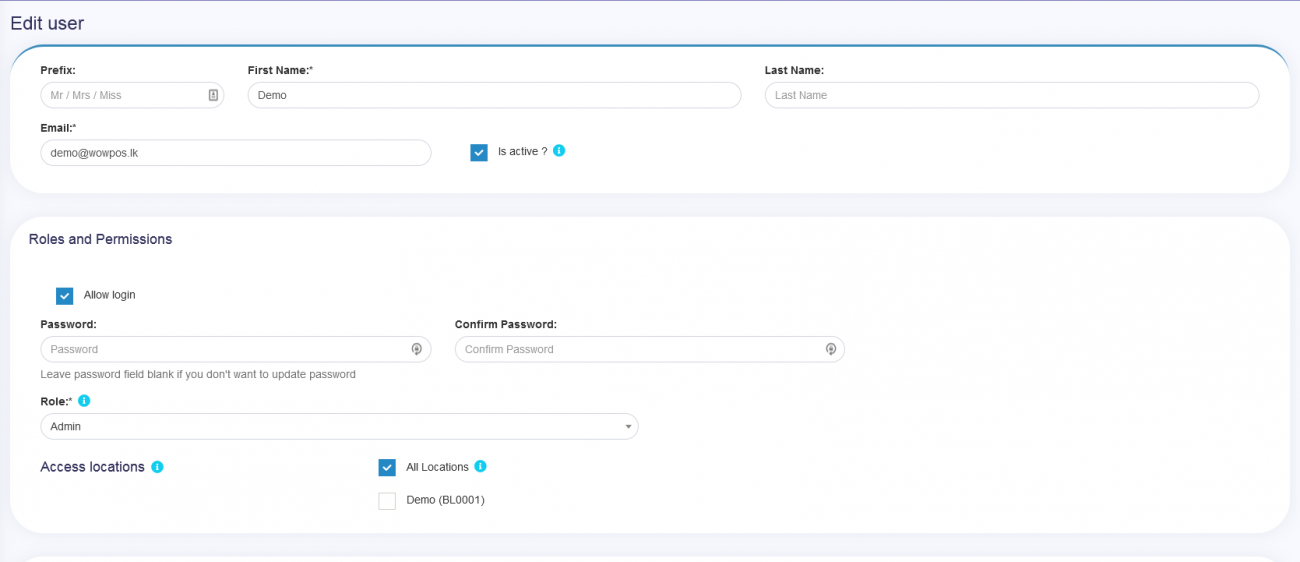
- Fill the user details, select user role, give a unique username.
- Sales Commission Percentage (%): Provide the commission % for this user. This option gets applied if the commission agent feature is enabled.
- : Activate/Deactivate the user.
- You can edit/delete a user.
Assign locations
Refer to the image below
Max sales discount:
The maximum discount this user can give during sales in the POS & sales screen. If you don’t want to have this restriction then simply keep this value blank.
Disable login
Refer to the image below
Uncheck the allow login option to not allow login to this user.
select all locations that should be given access to this particular user.
0
0
